OKBrowser Proxy Configuration Guide
Introduction
OKBrowser is a multi-account fingerprint browser that assigns an independent network identity to each browser environment through proxy IP configuration, enabling account isolation and risk control.
Video Tutorial
Prerequisites
Before starting, make sure you have:
- OKBrowser client installed
- NiuProxy account created and logged in
- Proxy information ready:
- Host (proxy address)
- Port
- Username
- Password
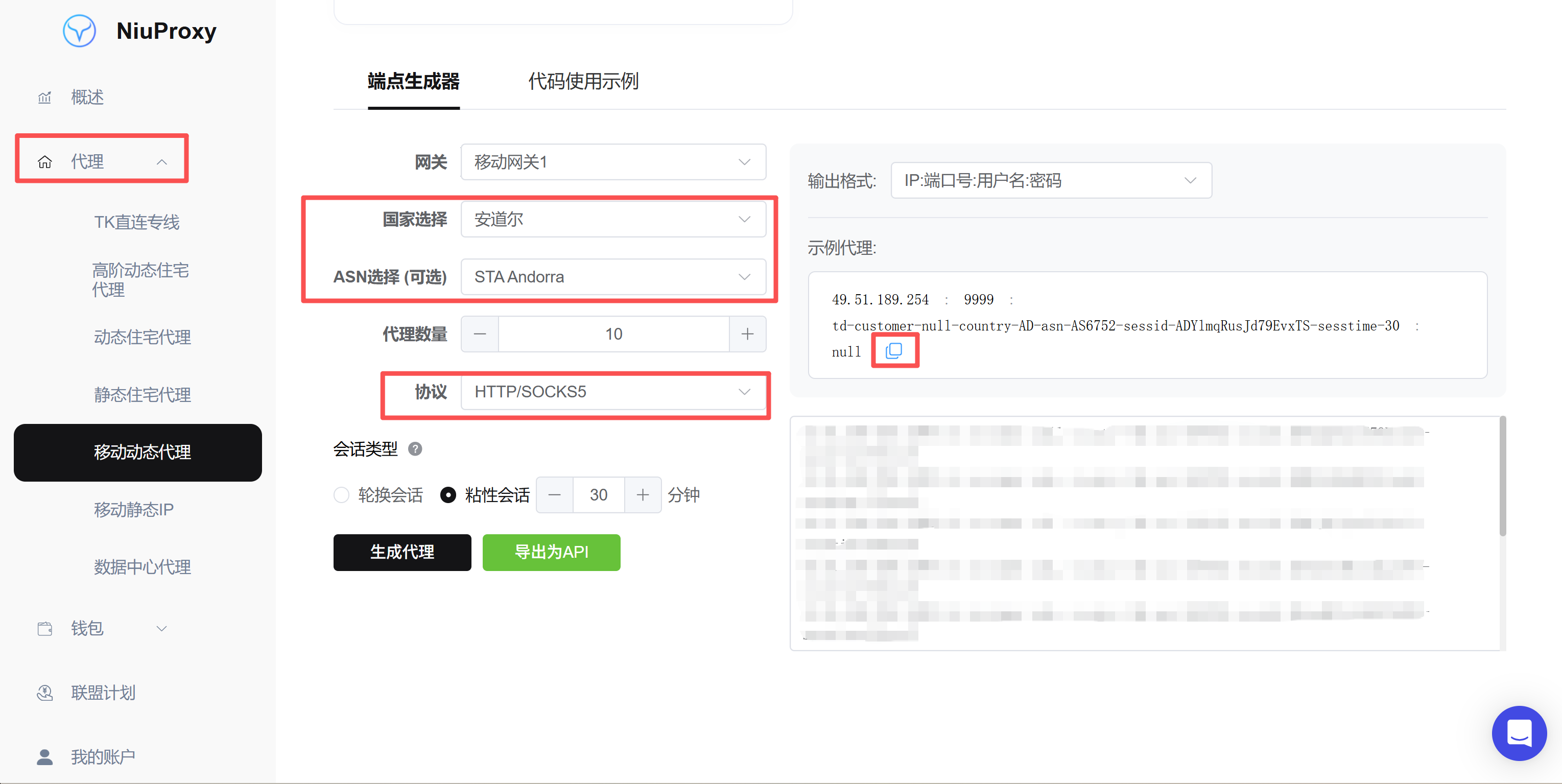
Configuration Steps
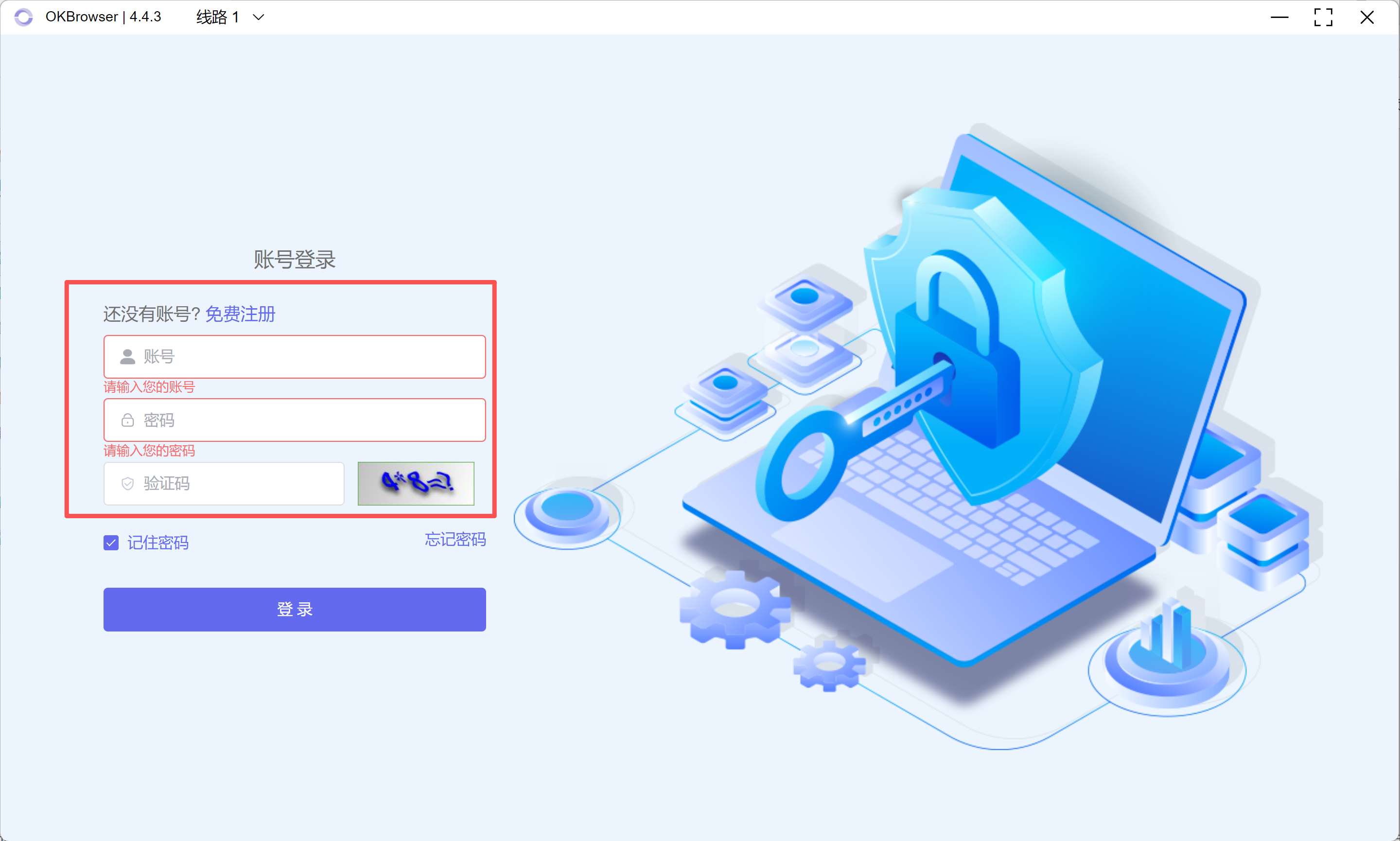
Step 1: Open OKBrowser
Open OKBrowser (okbrow.com)
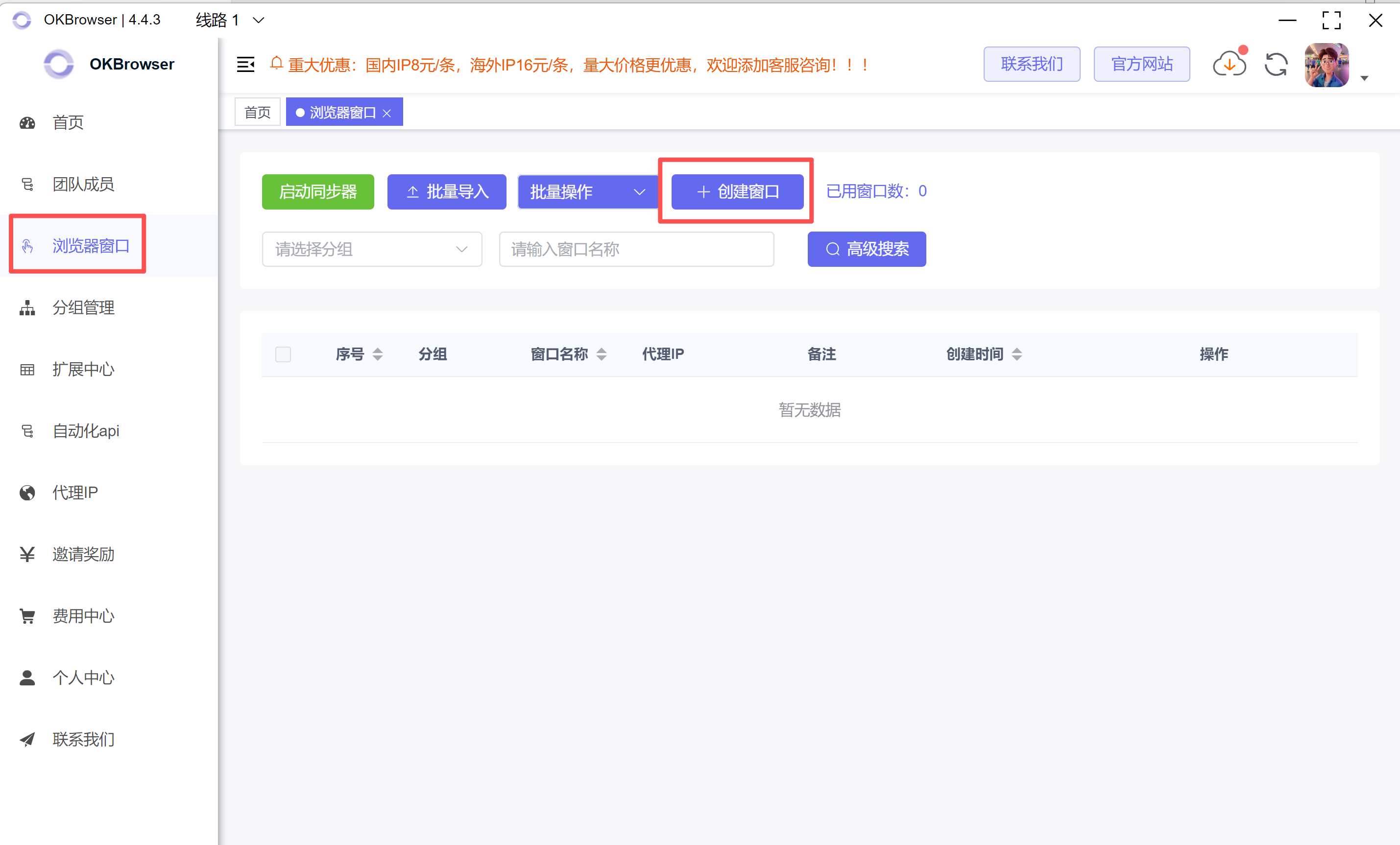
Step 2: Create a Browser Window
- Enter the browser window list
- Click "Create Window"
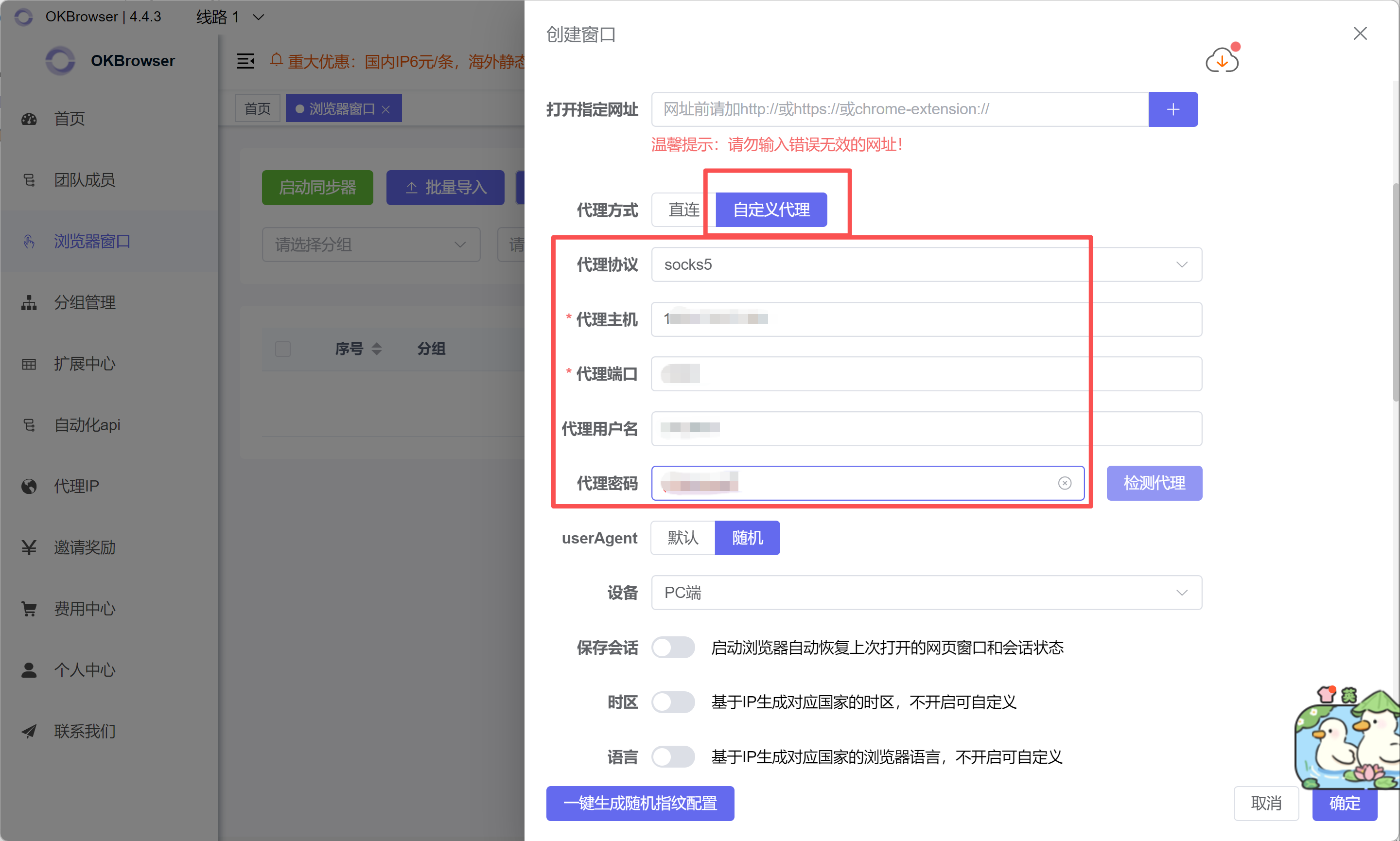
Step 3: Configure Proxy
- Select proxy type: HTTP / HTTPS / SOCKS5 (SOCKS5 recommended)
- Fill in proxy information (example):
Host: proxy.niuproxy.com
Port: 8000
Username: your_username
Password: your_passwordField description:
- Host: Proxy server address
- Port: Port number (some proxies use port to control IP rotation)
- Username / Password: Authentication credentials
Step 4: Test Proxy Connection
Click Test Proxy
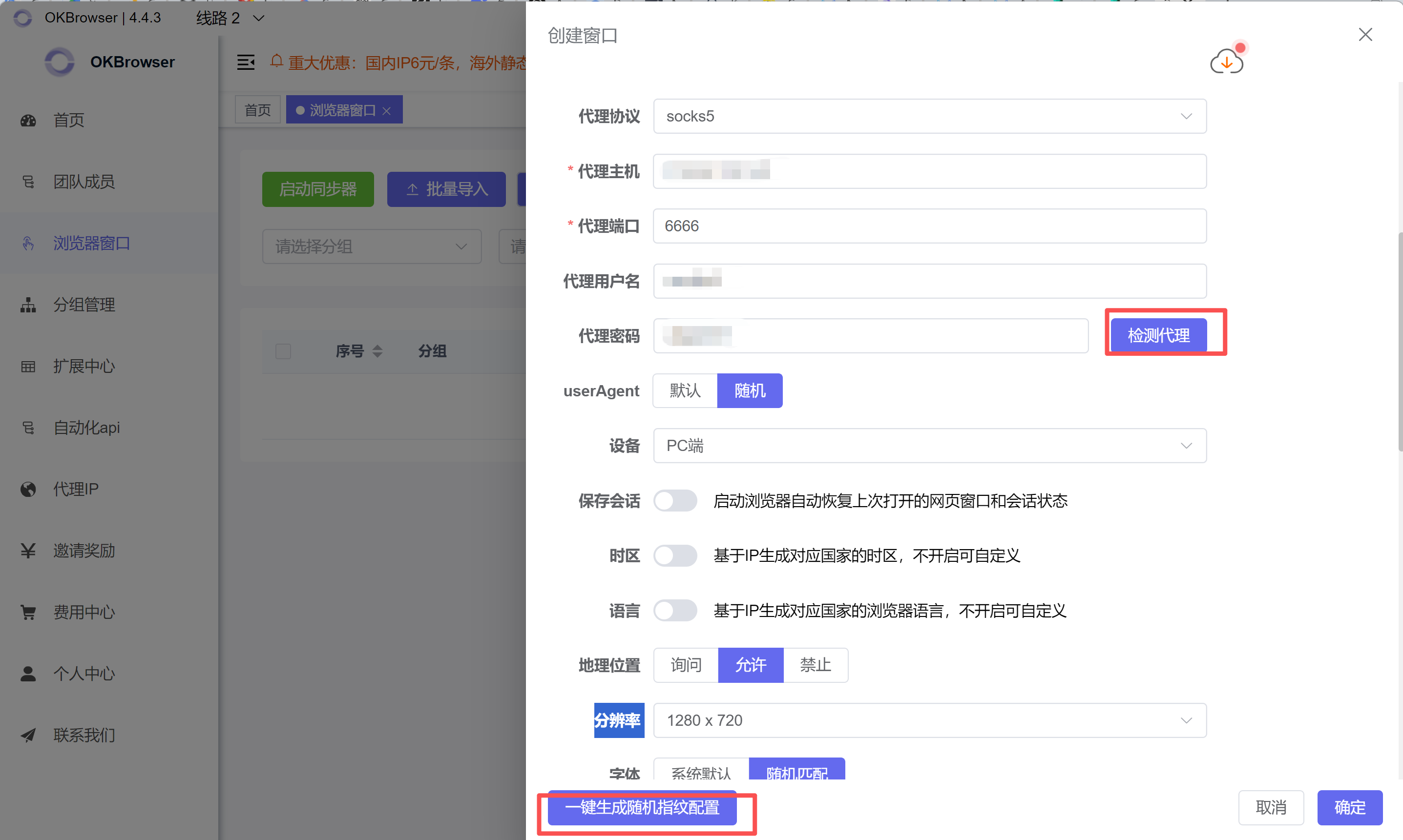
Result explanation:
- Success: Proxy connection is working normally
- Failure: Check proxy parameters or network
Step 5: Save and Launch
- Click One-Click Generate Random Fingerprint Config
- Environment creation complete
FAQ for China Region Users
Q1: Why can't I connect after adding a proxy IP in OKBrowser?
This is one of the most common issues in China. In mainland China's network environment, proxy IPs cannot directly connect to external websites. A "ladder" (proxy forwarding tool) is required for traffic forwarding, otherwise connection failures or timeouts will occur.
Q2: What tools does OKBrowser need to work with?
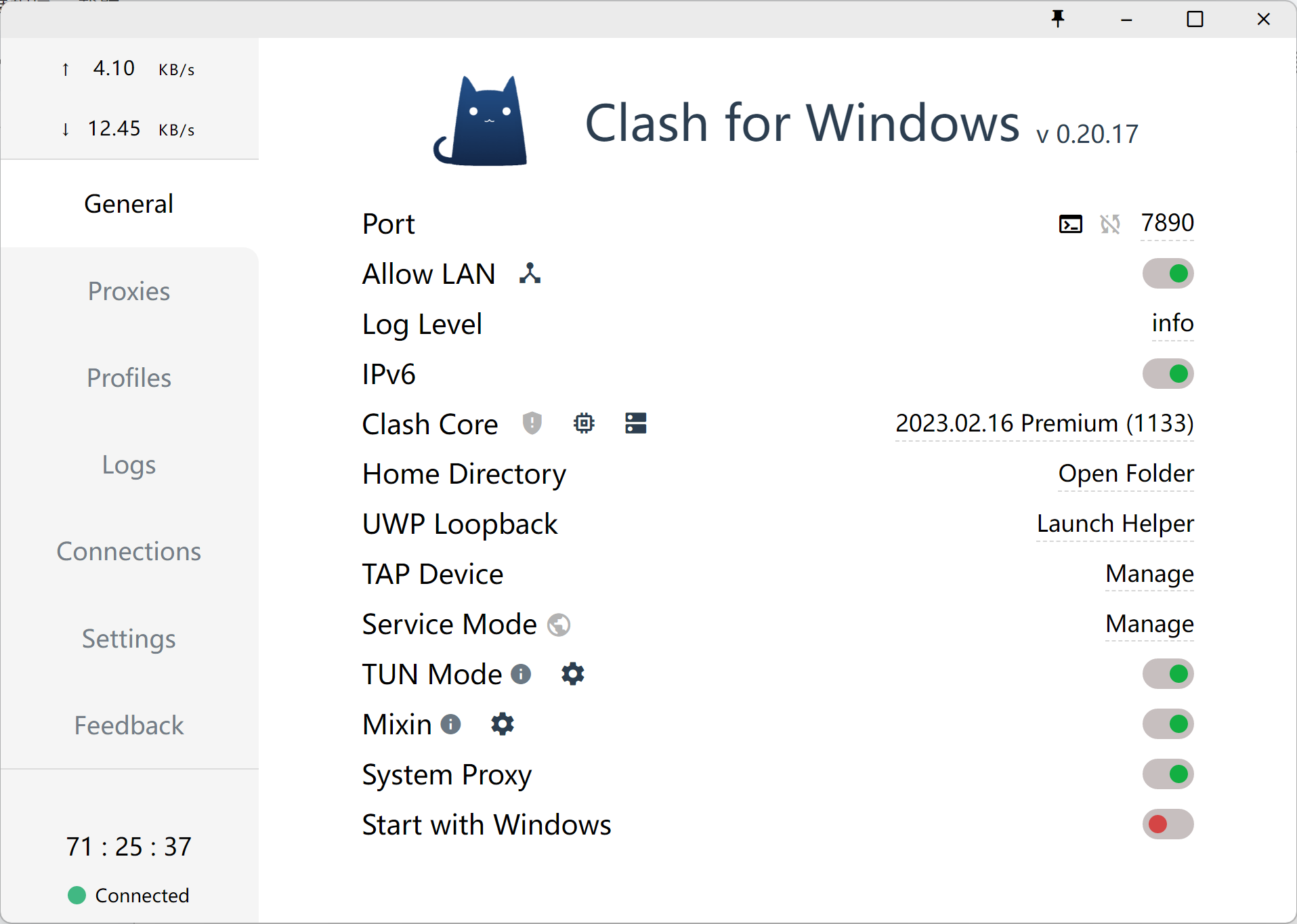
OKBrowser needs to be used with the following proxy tools:
- Clash (recommended)
- V2Ray
Make sure the proxy tool is in "connected" state before using OKBrowser.