AdsPower Configuration Guide
AdsPower is a professional multi-account management tool widely used for social media management and e-commerce operations. This tutorial will guide you on how to configure NiuProxy in AdsPower.
Prerequisites
- AdsPower client installed (download)
- NiuProxy account with available proxy services
- Obtained proxy server address and authentication information
Configuration Steps
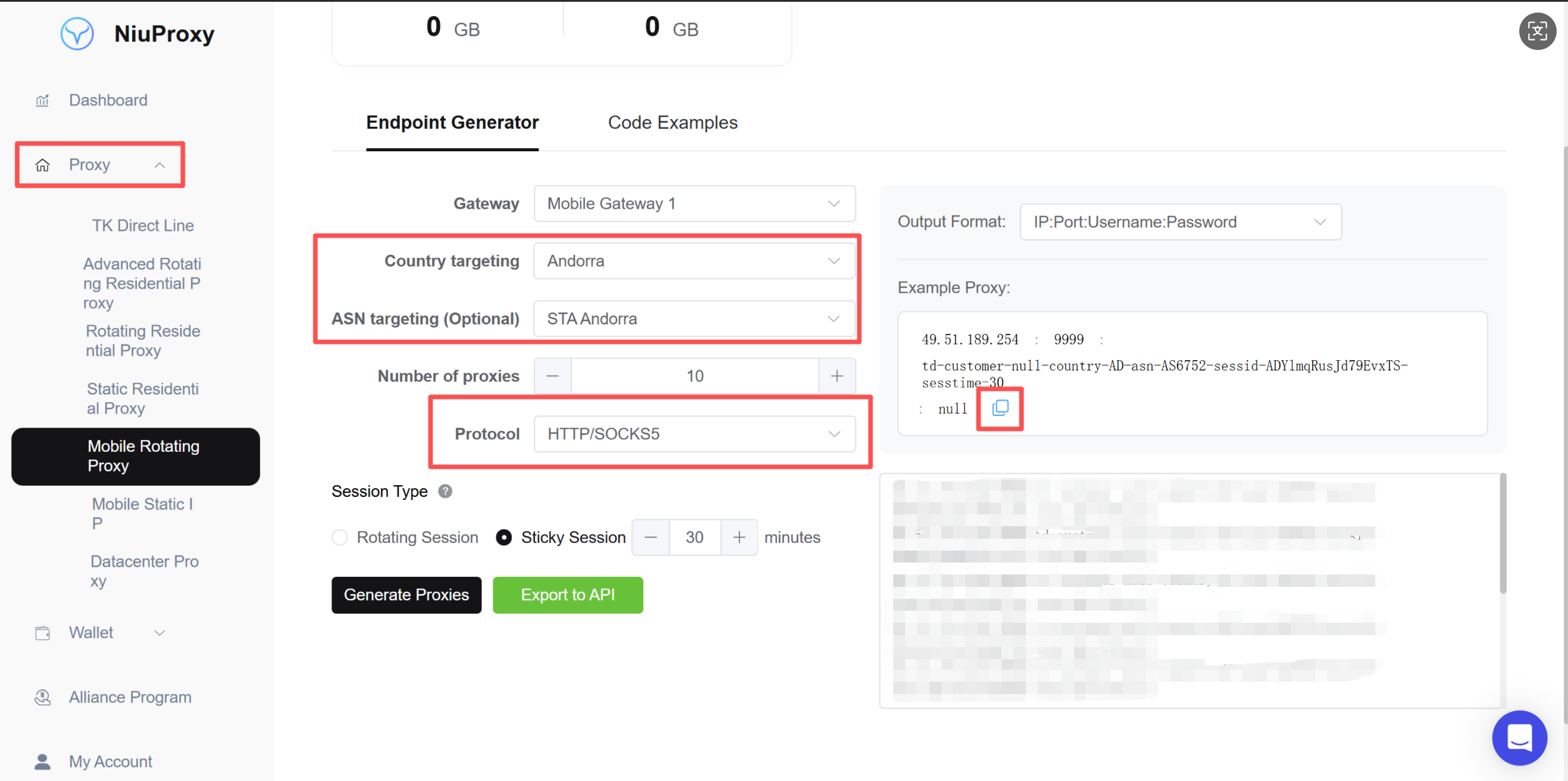
Step 1: Get Proxy Information
- Log in to NiuProxy management panel
- Go to "Proxy Management" page
- Record the following information:
- Proxy server address: Gateway address
- Port number: Port number
- Username: Your username
- Password: Your password
Step 2: Open AdsPower
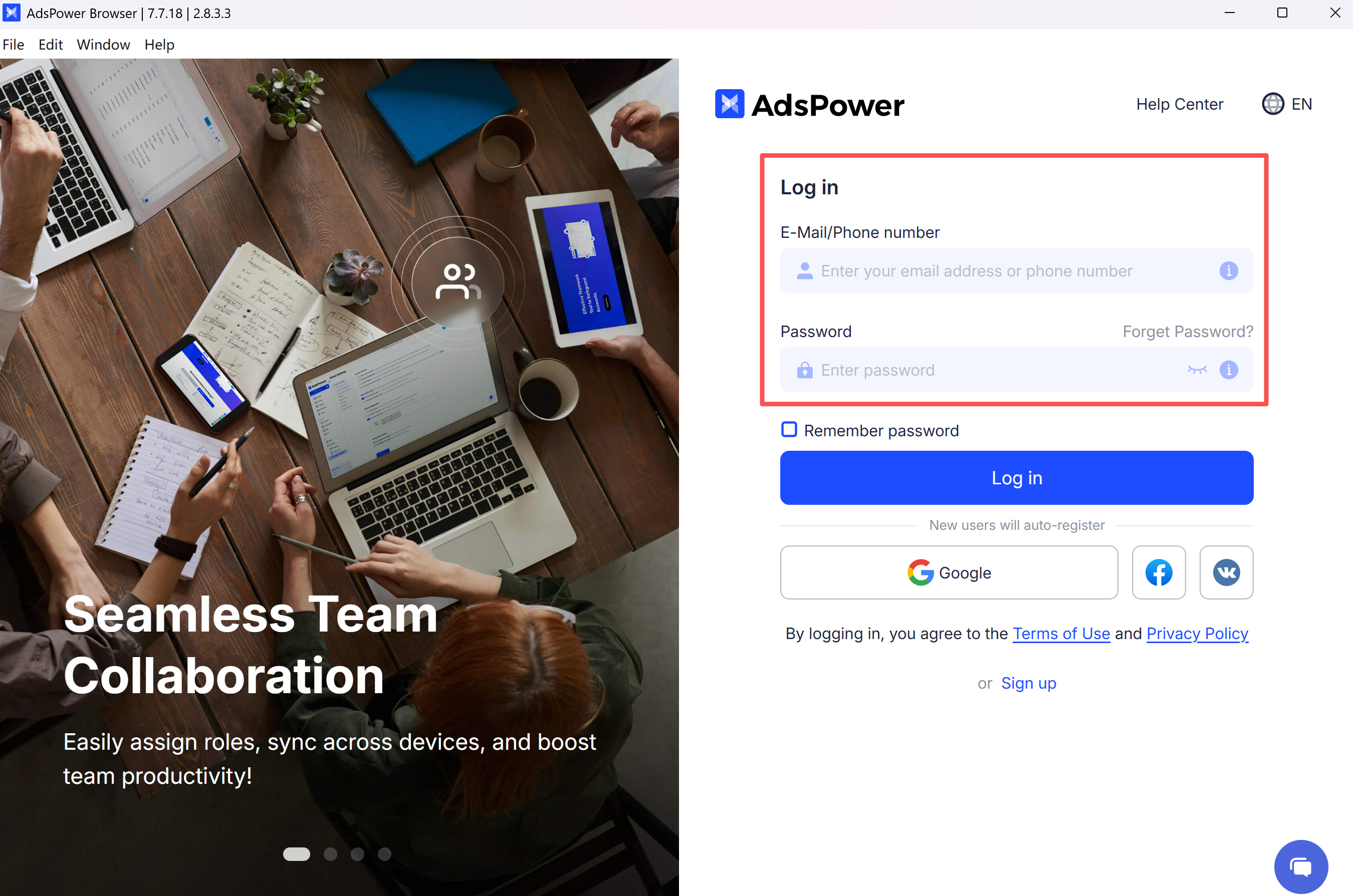
- Launch AdsPower application
- Log in to your AdsPower account
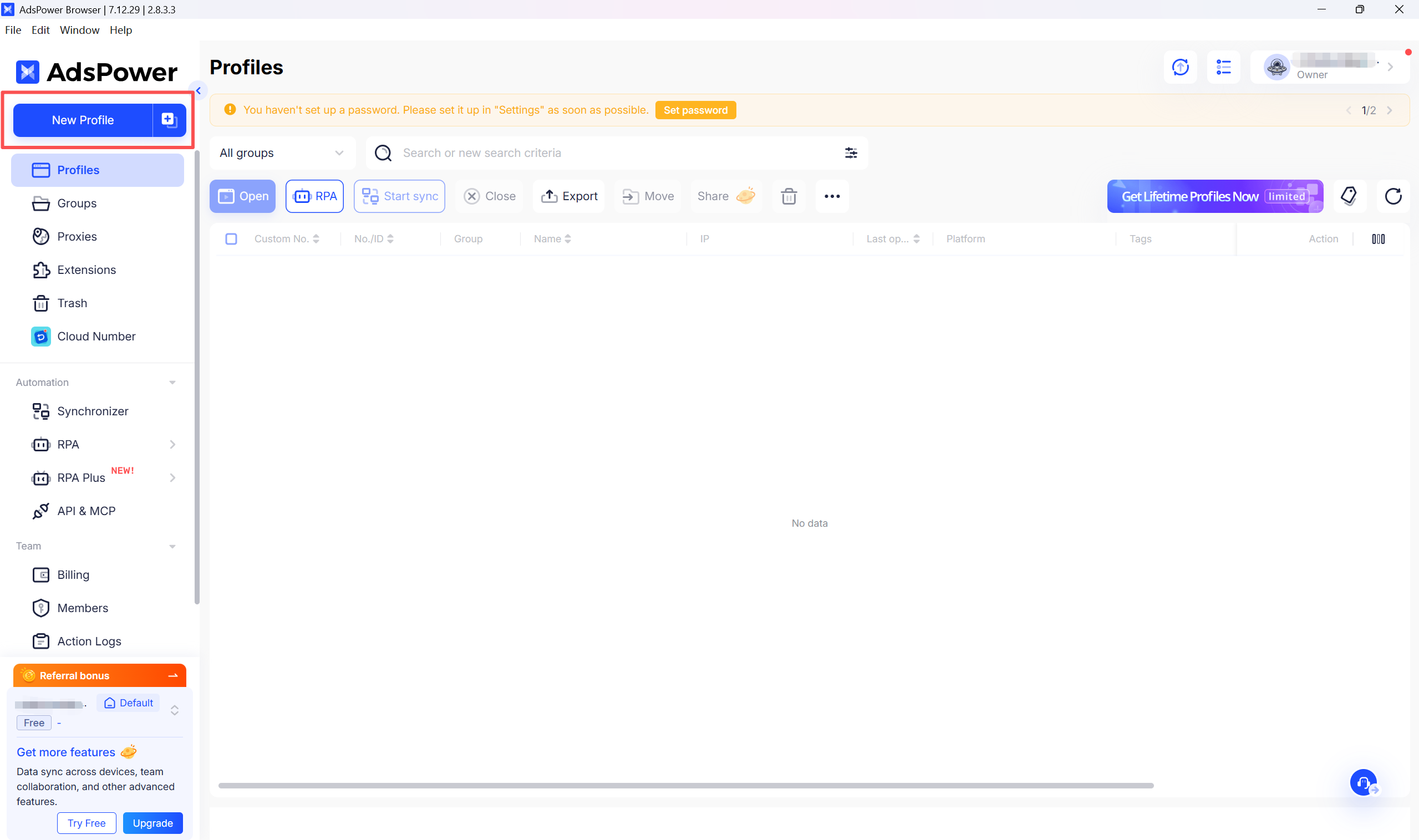
Step 3: Create New Browser Profile
- Click the "New Browser" button on the main interface
- Or edit an existing browser profile
Step 4: Configure Proxy Settings
- In the browser configuration page, find the "Proxy" tab
- Select proxy type:
- HTTP: Suitable for most scenarios
- HTTPS: Requires encrypted connection
- SOCKS5: Requires lower-level protocol support
- Fill in proxy information (example):
Proxy Type: SOCKS5
Proxy Host: proxy.niuproxy.com
Port: xxxx
Username: your_username
Password: your_password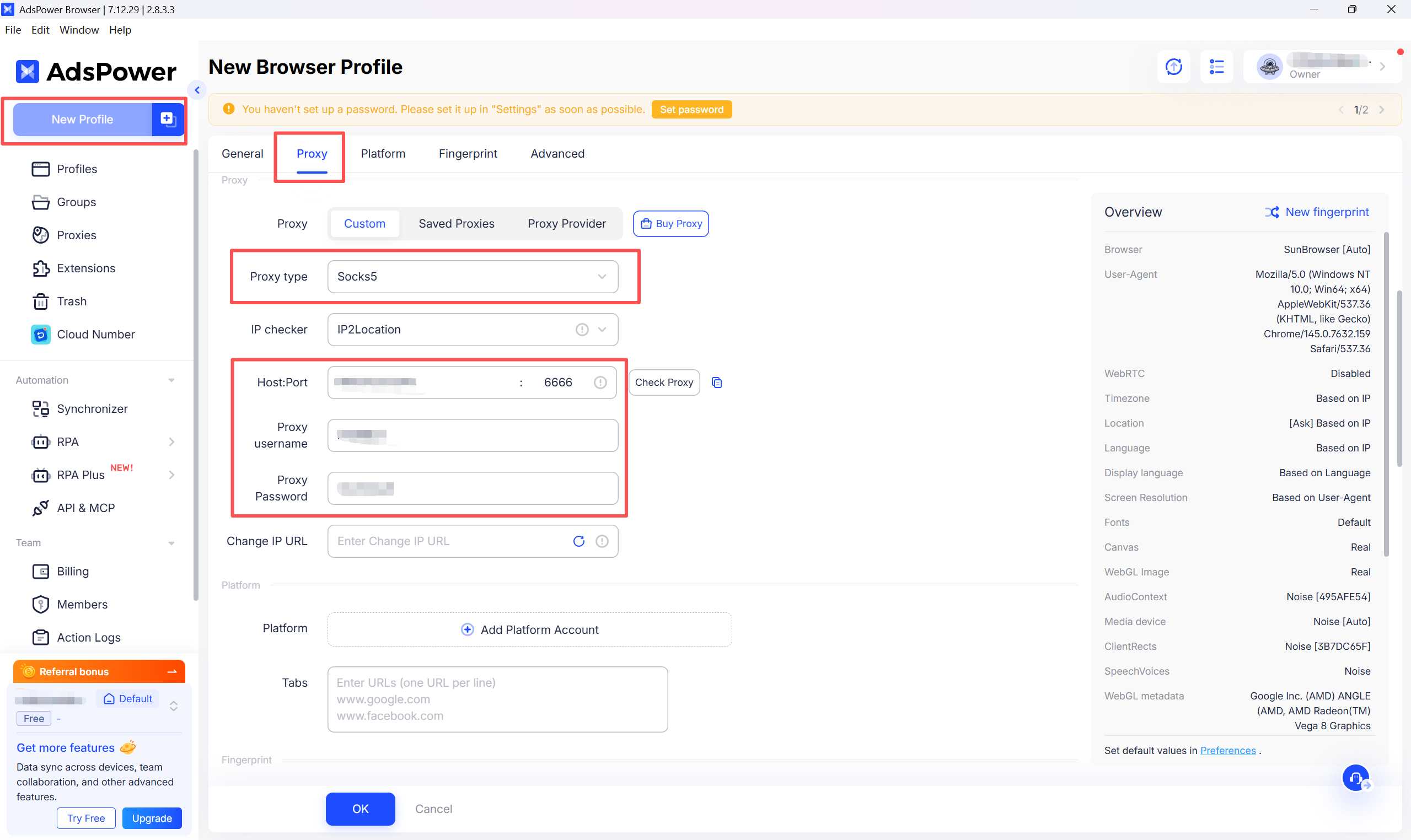
Step 5: Test Proxy Connection
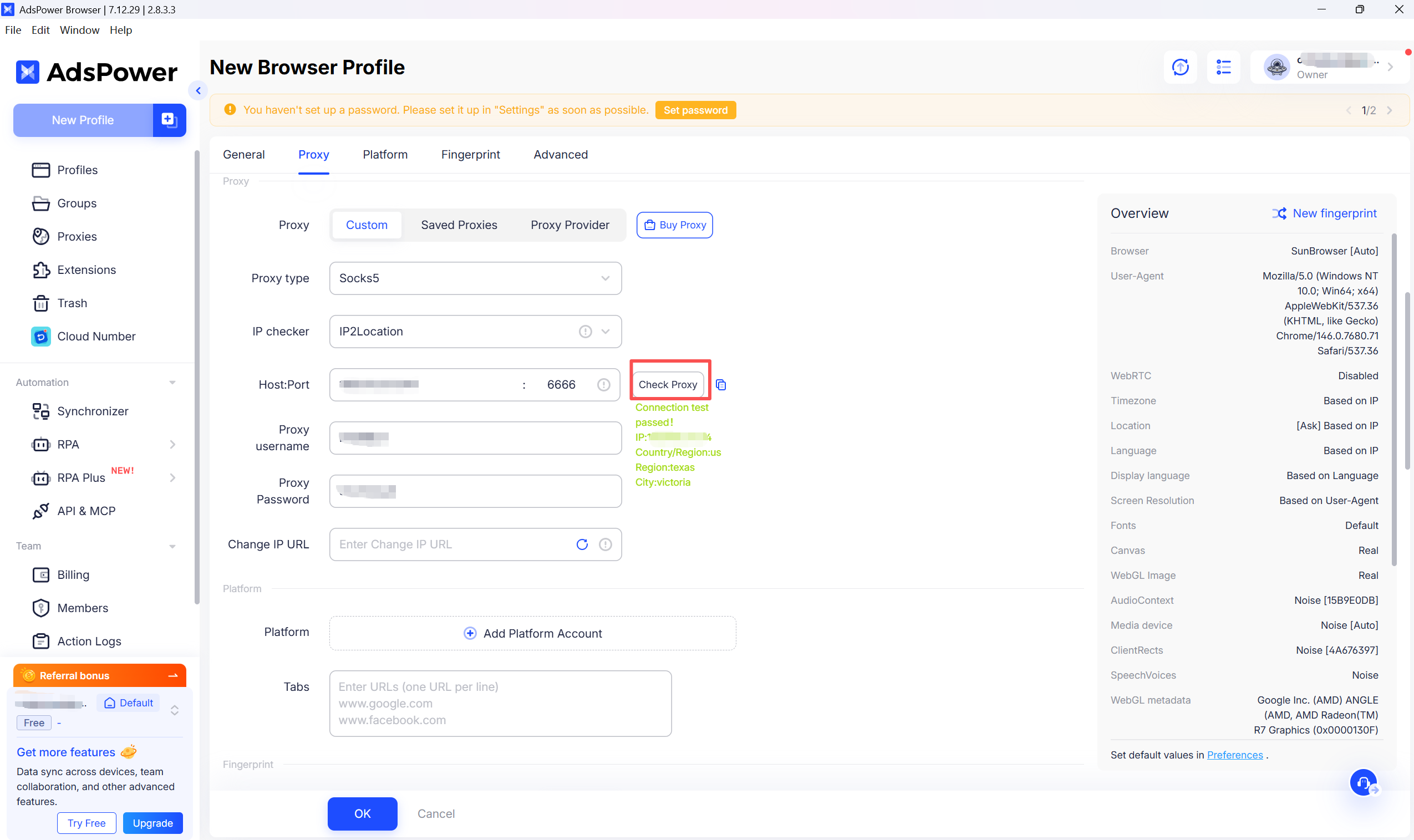
- Click "Test Proxy" or "Test Connection" button
- Wait for test results
- Confirm the displayed IP address and location are correct
Step 6: Save Configuration
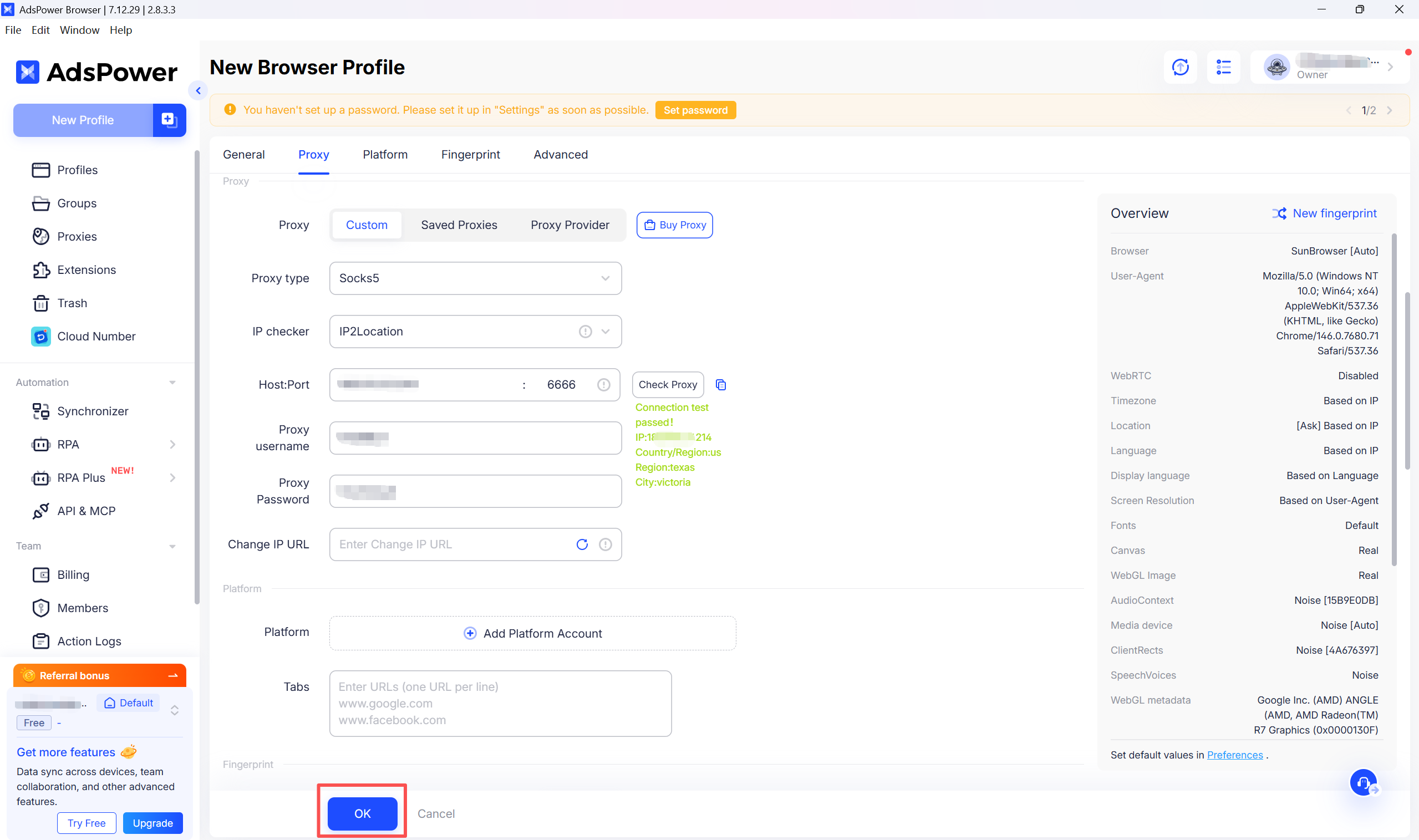
- Confirm all settings are correct
- Click "Save" or "OK" button
- Profile creation completed
Troubleshooting
Proxy Connection Failed
- Check if proxy server address and port are correct
- Verify username and password are accurate
- Try switching proxy protocol type (HTTP/HTTPS/SOCKS5)
High Latency
- Try switching to another proxy server
- Check local network environment
- Verify proxy server load
IP Address Not Changed
- Ensure proxy configuration is saved
- Restart browser profile
- Clear browser cache and reconnect
Why is my browser not working even after configuring a proxy IP in AdsPower?
In mainland China's network environment, configuring a proxy IP alone is usually not enough to access external websites. A local proxy tool ("ladder") is required for traffic forwarding.
Please make sure all of the following conditions are met:
- A local proxy tool is enabled (such as Clash or V2Ray)
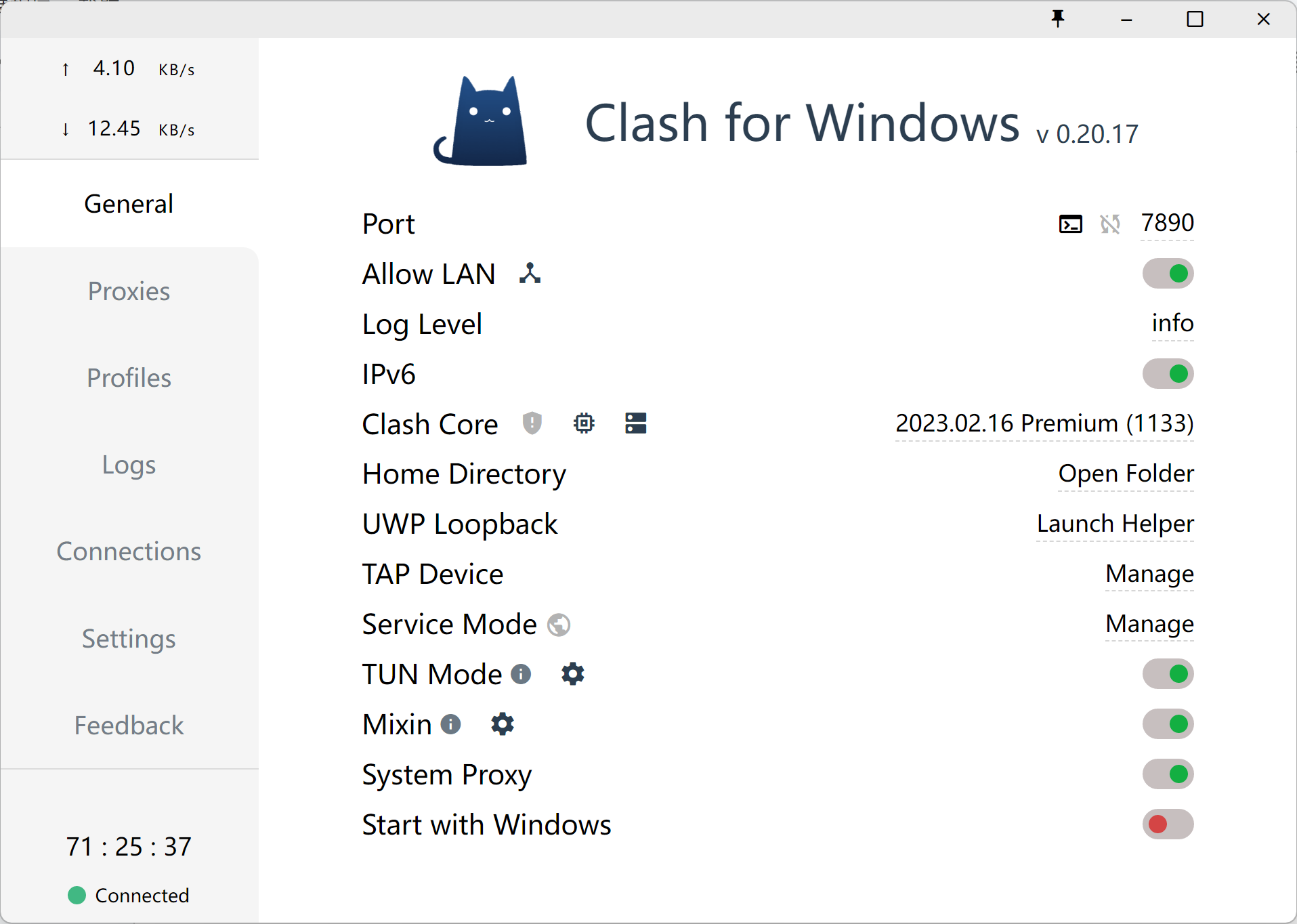
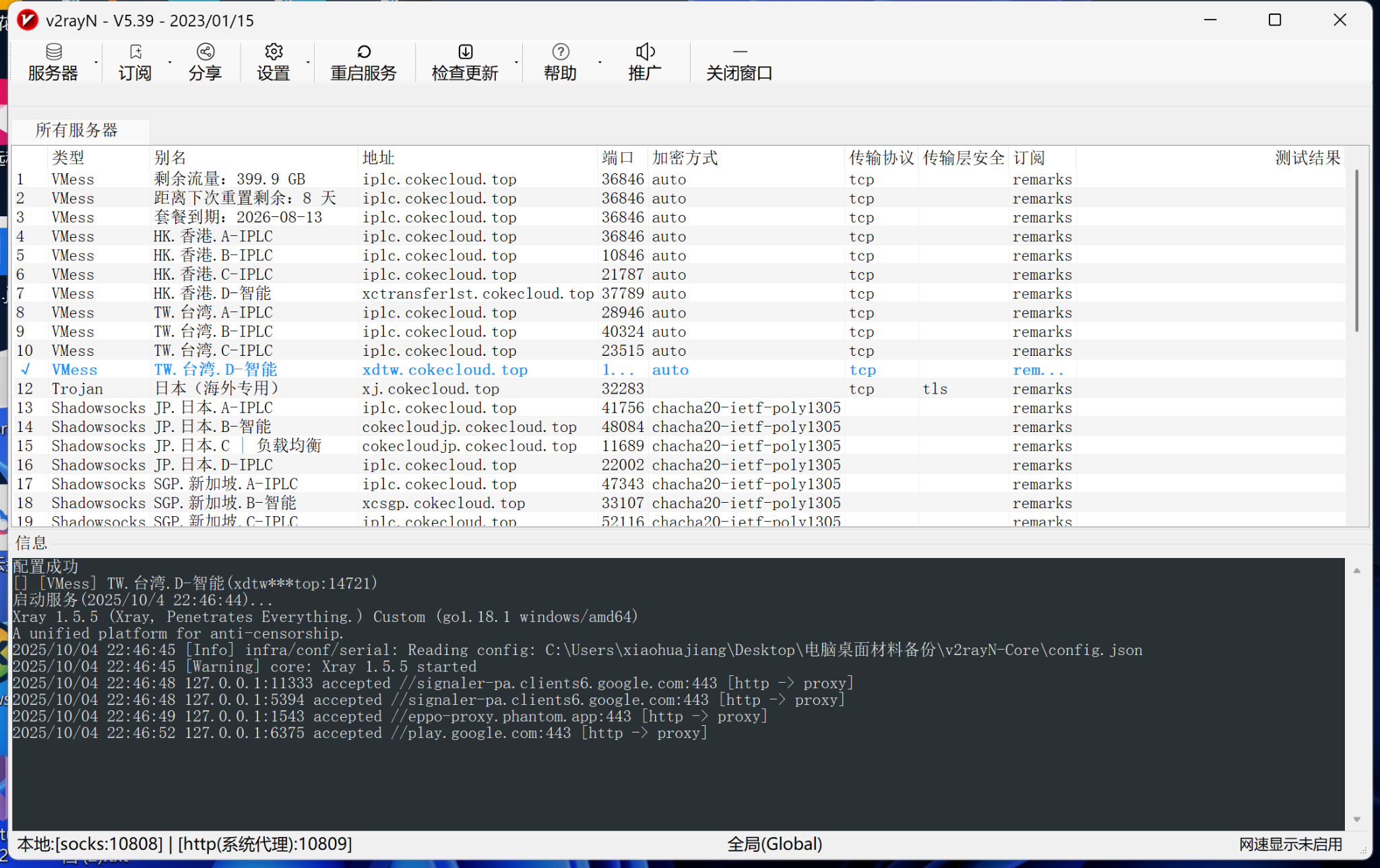
- The proxy tool is in a "connected" state
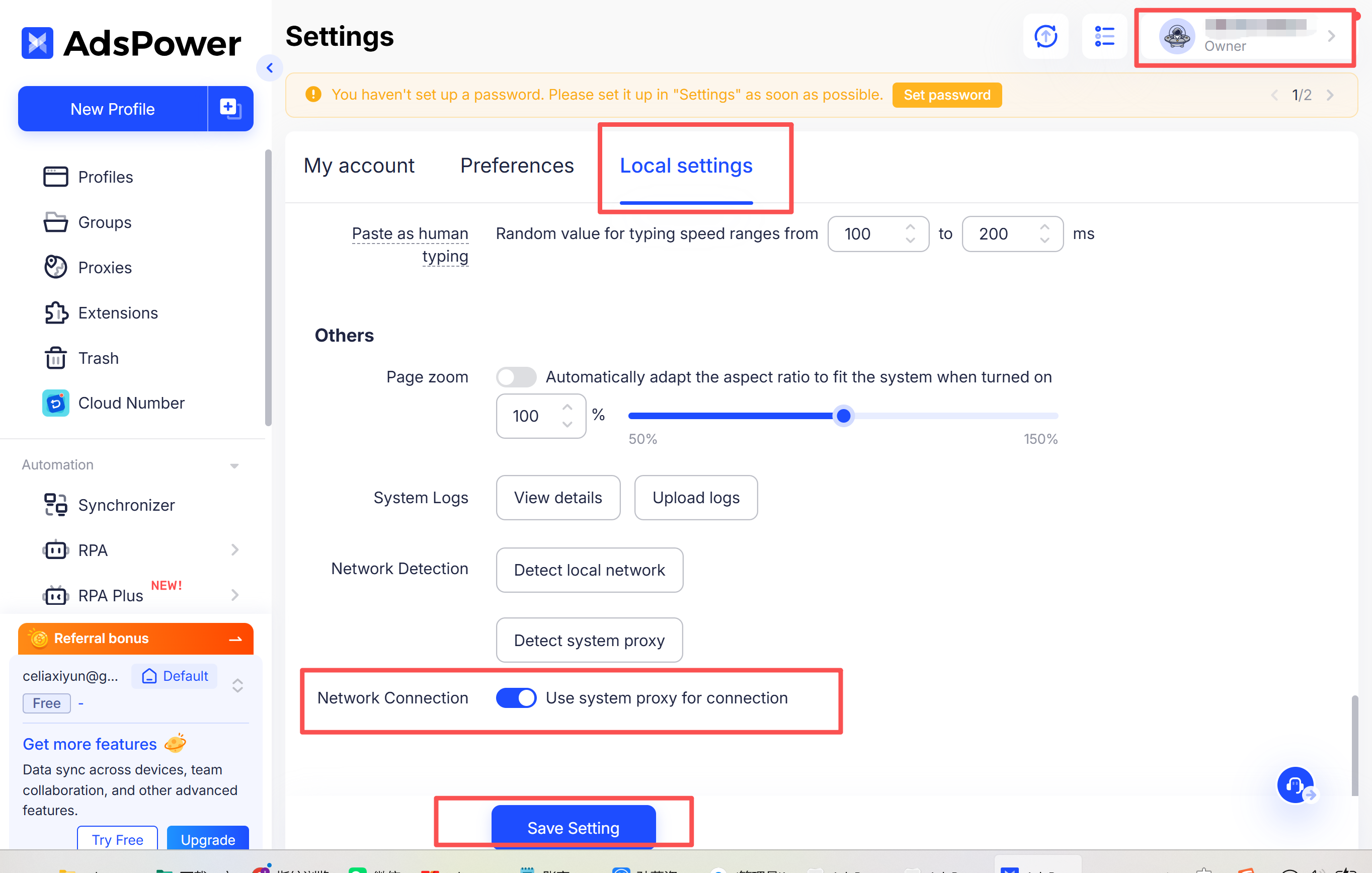
- AdsPower is correctly using the system proxy
What key settings need to be enabled in AdsPower?
When using AdsPower, you must enable the system proxy to ensure proper traffic routing.
Example path: Settings → Local Settings → Use System Proxy